
The Inventory Report offers a quick and easy way to find information on inventory information for apparel and merchandise available through your fundraiser.
To access it, follow the simple steps below:
-
Go to your CrowdChange site and Log In.
-
Go to your fundraising page and click Dashboard.
-
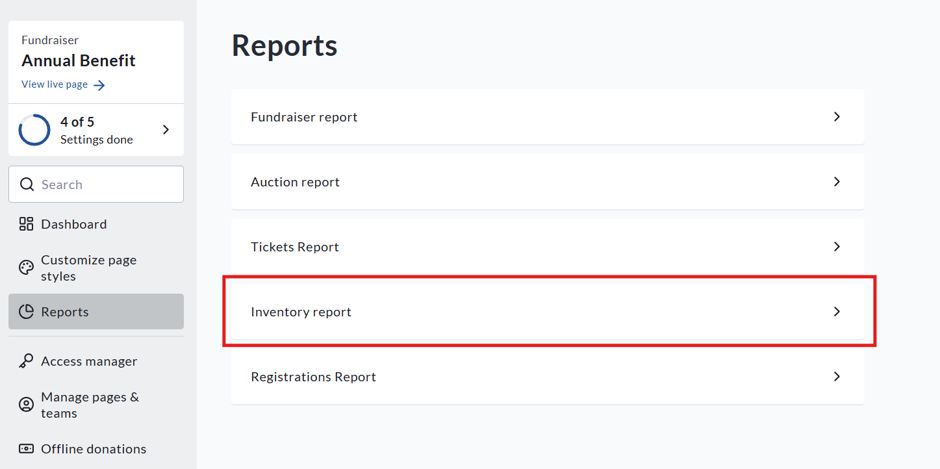
On the left sidebar, click Reports, then Inventory Report.
-
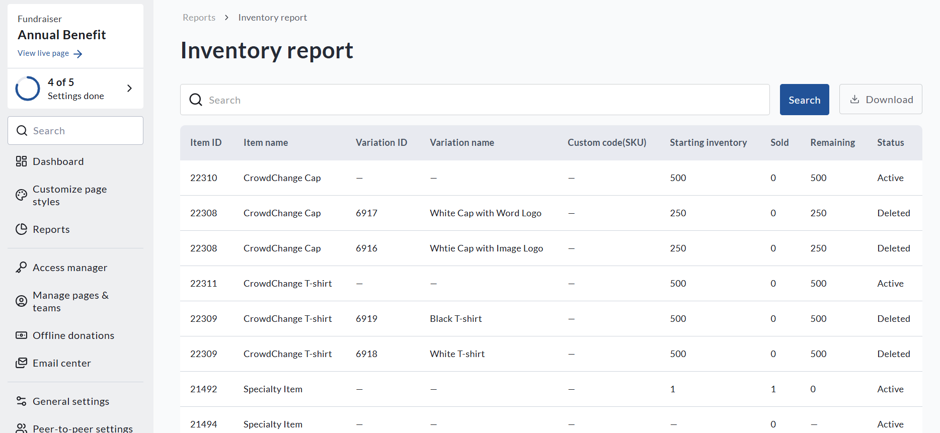
You will be shown an Overview:
-
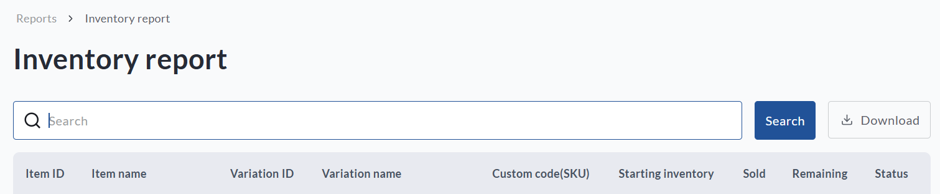
To find a specific item, search by Item Name. You can also download a detailed version of the report by clicking Download.
-
Once the report is ready, you will receive an email. Click Download Report in the email to access it.
-
The downloaded report contains two sections:
-
-
Summary: Includes item and inventory details, such as quantities sold and remaining, as well as the item's status.
-
Purchases: Includes item details, donor details and transaction information such as where the purchase was made (personal or team page).
-